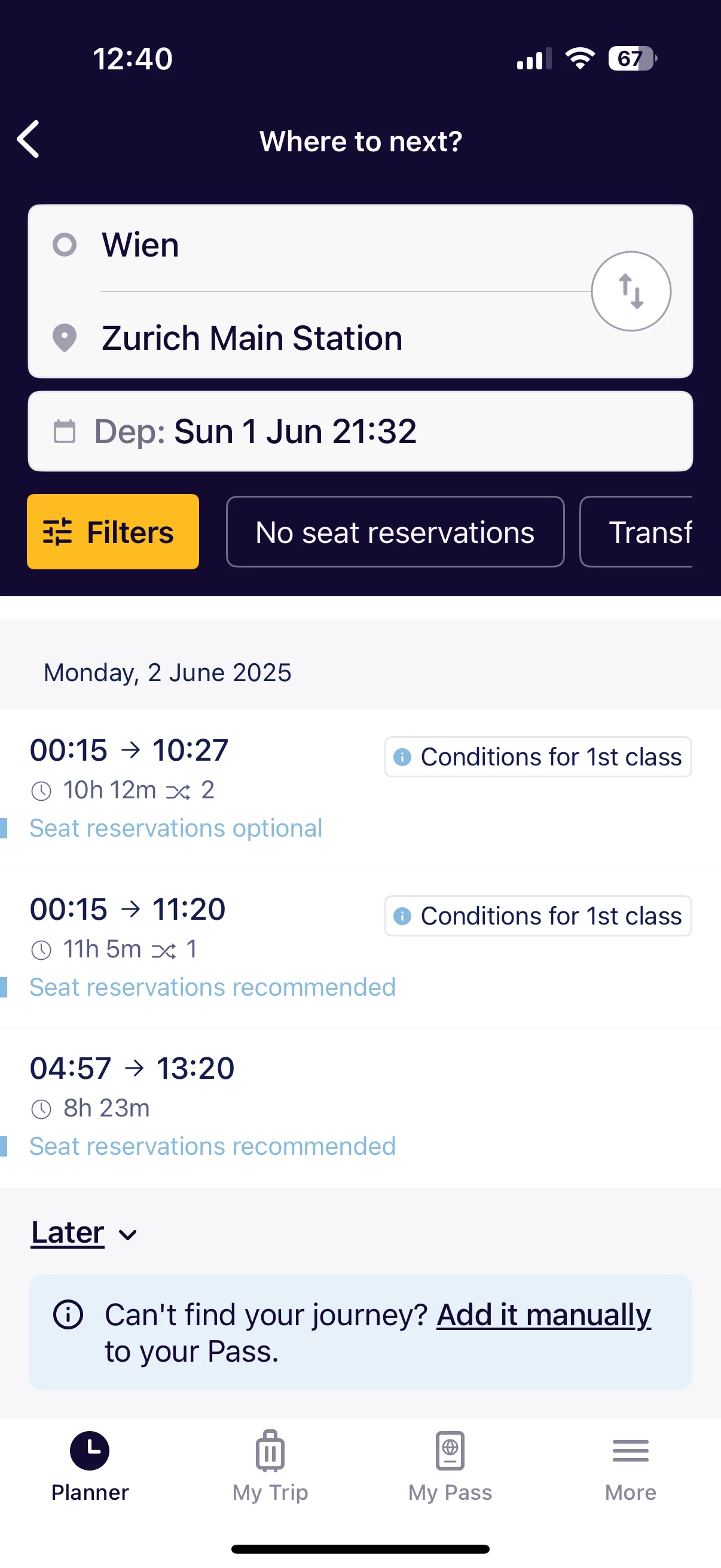
I was looking for a EN train for the above and found in the OBB website a EN 40462 train that departs on 22:28 on 1 June, but the interrail App doesn't show this connection! I went ahead to buy only the the sleeper on the OBB Website anyway. Can I instead add another train connection in the interail App instead, say a NJ train, and travel on the EN train? Thanks!

Solved
Vienna to Zurich Euronight timetable in Interrail app
Best answer by Danhiel
Hello
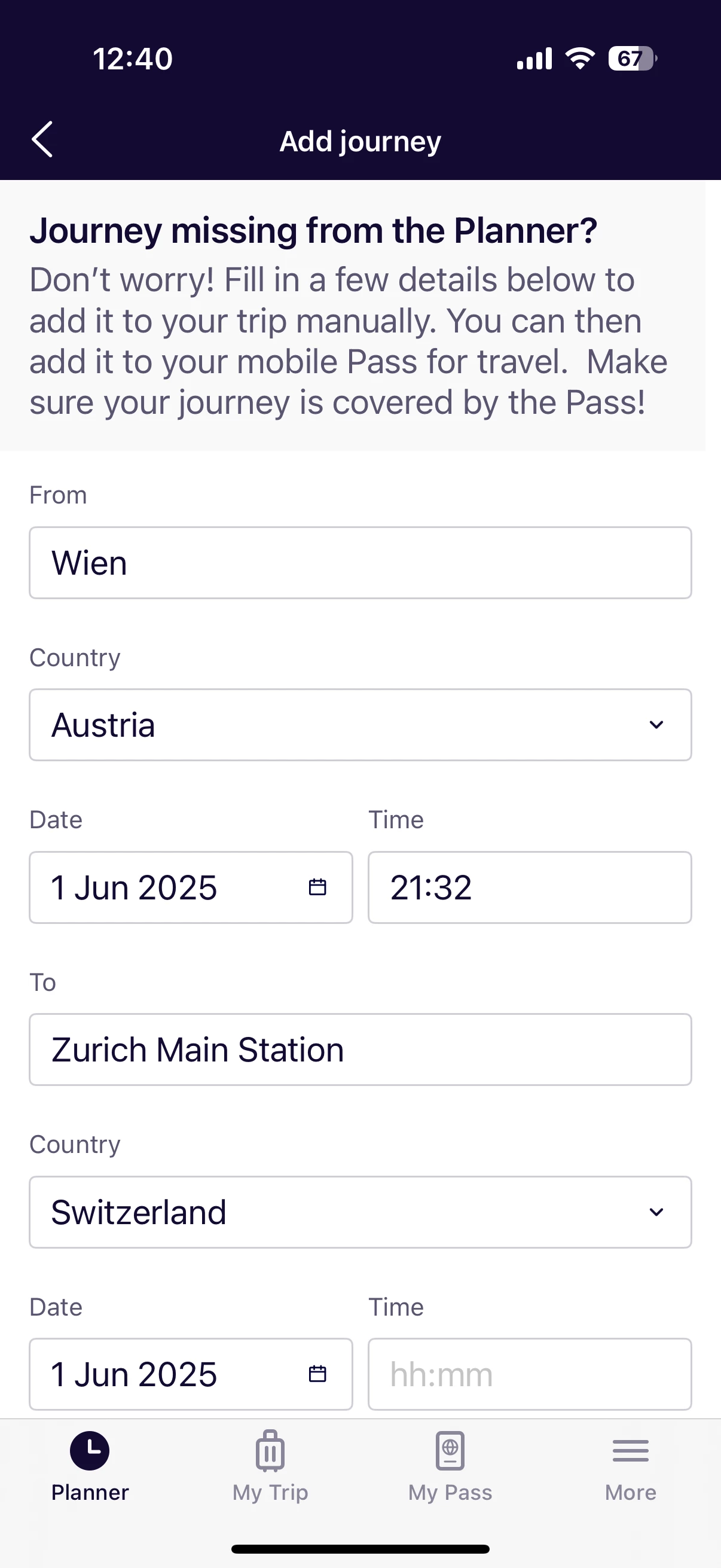
You can wait until the day of departure, the Rail Planner app is not updated continuously. You can always manually add a train if you don’t find it. The ÖBB reservation system has no connection with the app and doesn’t check if you have a valid pass. This control occurs in the train, you must show both (pass and reservation).




Login to the community
No account yet? Create an account
Social Login
Login with Eurail/Interrail accountEnter your E-mail address. We'll send you an e-mail with instructions to reset your password.