Answer

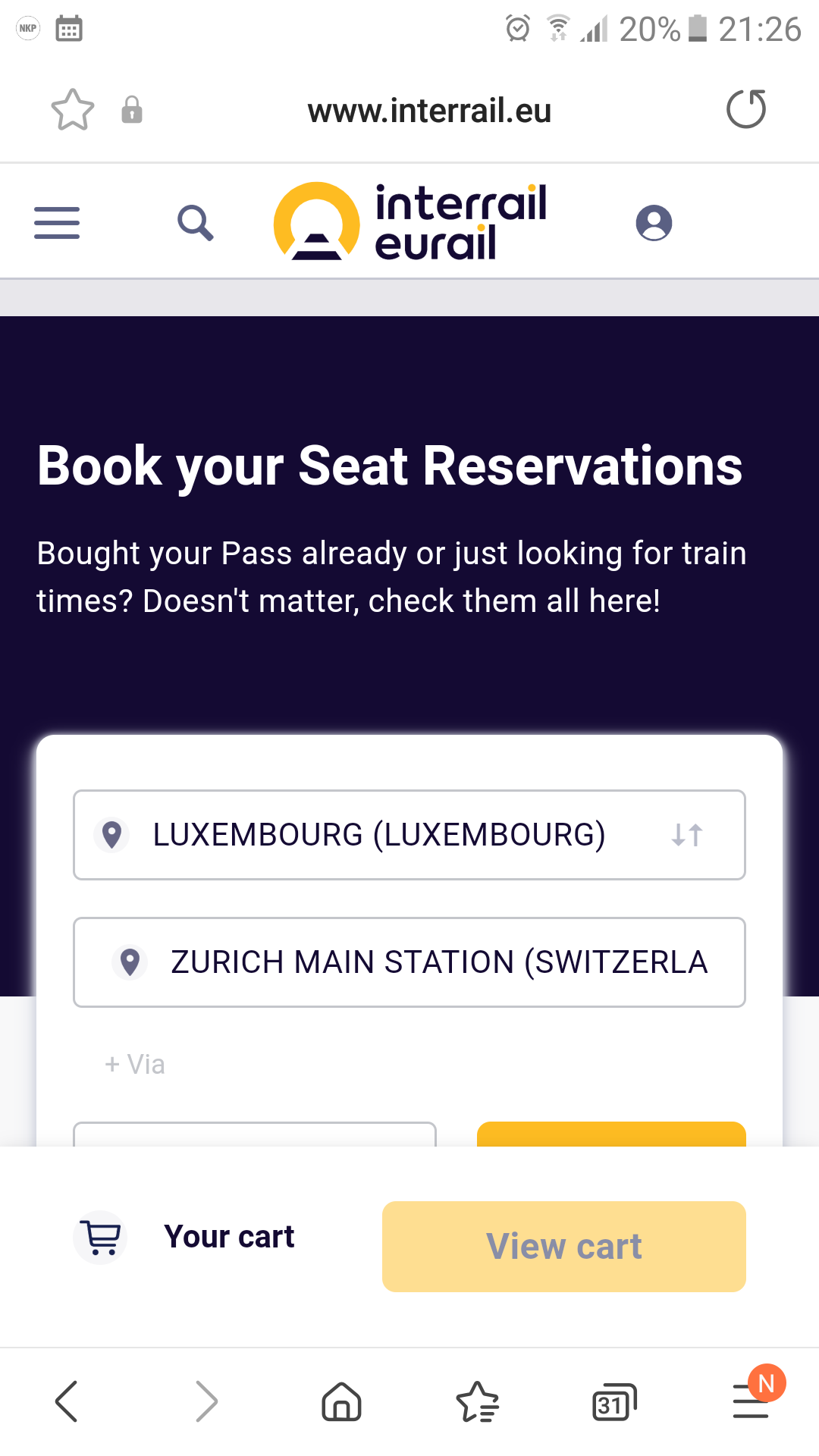
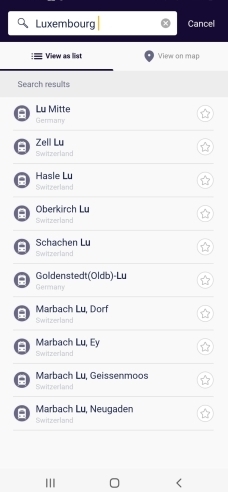
I cannot find Luxembourg in the app

  • June 9, 2022
  • 10 replies
  • 169 views

I want to go from Brussels to Luxembourg. Unfortunately, I cannot find Luxembourg in the Rail-Planner-App.

Original:

Ich möchte von Brüssel nach Luxemburg fahren. Leider kann ich in der Rail-Planner-App Luxembourg nicht finden.

Best answer by AnnaB

Du solltest es auf der Karte, view on map, wählen können. 

10 replies

Forum|alt.badge.img+10
  • Railly clever
  • June 9, 2022

It should be there, so try again and have some patients. First the system says that it can't find a city and a little while later the city is there.


  • Author
  • Right on track
  • June 9, 2022

My daughter's iPhone shows Luxembourg. But my Android phone doesn't show Luxembourg.


Das iphone meiner Tochter Zeigt Luxembourg. Aber mein Android Telefon zeigt Luxembourg nicht.


Forum|alt.badge.img+5
  • Full steam ahead
  • June 9, 2022

or-as has been said so often: use anohter planner-the one of bahn.com (german railways) covers same or even a little bit more as app and is FAR more and better updated-can also set to more specific restrictions and will show their estimate on ow busy a train is (ONLY for in and to DE). It also shows exactly if a train has NO/OPtional or Mandatory REServ. which the app also lacks.

BRU-LUX has trains ev hour in about/near 3hrs-sometimes (does not always tell) you have to change in Arlon-due to recent different traction current-dont worry-next train other side same platf waiting. NO REServ needed or even possible.

LUX has free travel IN the country only-if you are junior and this is only trip in 1 day: it is FAR cheaper to buy a b-rail goPass 1 (1 trip, 7,60, >9.00 mo-fr, however, go to ATHUS and change there to CFL=Lux train then, via Arlon cost a few € more.

LUX also has hourly train north to Liëge(scenic route)  in BE and east to Trier-KOBlenz in DE and often south to FR: Thionville-Metz-Nancy.


Forum|alt.badge.img+10
  • Railly clever
  • June 9, 2022

Mein Telefon ist ein Samsung mit Android und ich habe kein Problem mit Luxemburg.

Aber, wie @mcadv oben sagt ist es besser z.B. DB.de statt der Rail-Planner App zu verwenden. 

Reservationen sind auch Besser anderswo als im Rail-Planner App gemacht. 

Hier kann man mehr über Reservierungen lesen:

https://community.eurail.com/train-connections-reservations-47/how-to-get-reservations-105


  • Author
  • Right on track
  • June 9, 2022

But how do I get the train connections in my mobile pass if I use another app? By the way, the reservations have not been a problem for me so far.


Wie bekomme ich dann aber die Zugverbindungen in meinen Mobile-Pass, wenn ich eine andere App benutze?
Übrigens sind die Reservierungen bisher kein Problem für mich.


Forum|alt.badge.img+10
  • Railly clever
  • June 9, 2022

You will never get the reservation in the app.

The app is your ticket and the reservations are separated from the ticket.

Reservation made through the Interrail website will either be emailed to you or sent by ordinary mail. 

If you have problems with reservations, please make a new post with your travel details  (departure date, time and route) and you will get advice where to make the reservations.


Angelo
Railmaster
Forum|alt.badge.img+11
  • Railmaster
  • June 9, 2022

Wenn ein Bahnhof fehlt, dann kann man auch Züge Manuell hinzufügen - einfach bei der suche bis nach unten scrollen (Bitte nicht mit dem iPhone probieren, dort gibt es Probleme). 


  • Author
  • Right on track
  • June 10, 2022

Thank you all.

But, I have no problem with the reservation. Unfortunately, I cannot select Luxembourg in the Rail Planner app.

Vielen Dank euch allen.
Aber, ich habe kein Problem mit der Reservierung.
Ich kann leider in der Rail-Planner-App Luxembourg nicht auswählen.


Forum|alt.badge.img+10
  • Railly clever
  • Answer
  • June 10, 2022

Du solltest es auf der Karte, view on map, wählen können. 


  • Author
  • Right on track
  • June 10, 2022

Thank you very much! That was the right tip. It works now.


Vielen Dank! Das war der richtige Tipp. Jetzt funktioniert es.